
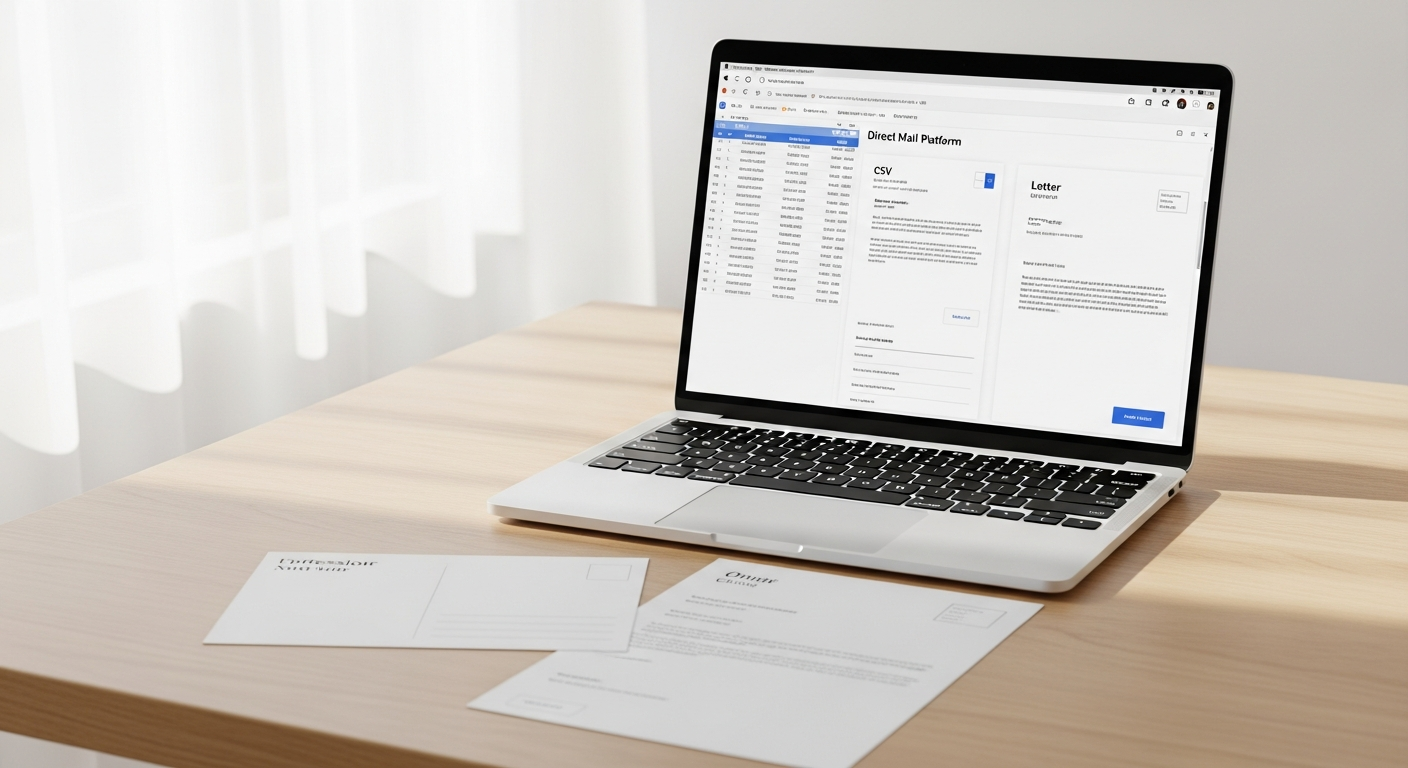
Most small businesses treat direct mail like it's 1995 — design something, hand it to a print shop, wait two weeks, stuff envelopes, make a post office run. That's why they avoid it. The reality in 2026 is completely different. Direct mail automation for small business is now a 20-minute task you can run from a browser tab, no printer, no stamps, no post office required.
This guide covers everything: what direct mail automation actually is, which campaign types work best for small businesses, how to set up your first bulk mailing using a CSV file, and what kind of ROI you can realistically expect.
Table of Contents
- What Direct Mail Automation Actually Means
- Why Direct Mail Still Works in 2026
- Campaign Types Every Small Business Should Know
- How CSV Upload and Variable Data Merge Work
- Step-by-Step Setup for Your First Automated Campaign
- ROI Benchmarks: What to Expect
- Choosing the Right Platform
- Common Mistakes to Avoid
- FAQ
- Sources
What Direct Mail Automation Actually Means
Direct mail automation means triggering, personalizing, and sending physical mail — postcards, letters, checks — without manual intervention at each step. Instead of hand-addressing 500 envelopes, you upload a spreadsheet. Instead of typing each recipient's name, a variable data merge does it for you. Instead of driving to the post office, the platform routes your job to a print facility and hands it off to USPS.
The "automation" part can range from simple (one-click bulk send from a CSV file) to complex (API-triggered letters that fire when a customer misses a payment). For most small businesses, the CSV approach is where to start. It's low-tech, fast to learn, and powerful enough to run serious campaigns.
Here's the clearest definition worth bookmarking:
Direct mail automation is the process of using software to personalize, produce, and deliver physical mail at scale — replacing manual printing, addressing, and mailing with a digital workflow that connects a data source (spreadsheet or API) to a physical mailing service.
Why Direct Mail Still Works in 2026
Email open rates have been declining for years. The Data & Marketing Association has tracked direct mail response rates at 4.4% to 9% — compared to email's 0.12%. Physical mail doesn't compete with the inbox; it owns a space most digital advertisers have abandoned.
A few things have changed in small business owners' favor:
- Less competition in the mailbox. Total mail volume has dropped since 2007, which means your postcard has less to compete with.
- Higher trust signals. Physical mail consistently scores higher on trust and credibility than digital ads in consumer perception studies.
- Better targeting. You're not buying broad demographic audiences — you're mailing people you already know, or specific geographic lists you've built.
The 2024 USPS Household Diary Study found that 84% of Americans read or scan their physical mail daily. That number hasn't budged despite the rise of digital media, which tells you something important: physical mail has a fundamentally different relationship with attention than anything on a screen.
Campaign Types Every Small Business Should Know
Not all direct mail serves the same purpose. Here are the four campaign types with the clearest ROI for small businesses:
Postcard Prospecting
Postcards are the fastest format to produce and the cheapest to mail. A single-sided postcard with a clear offer — "15% off your first visit, bring this card" — can generate new customer traffic from a cold geographic list. Restaurants, home service companies, and retail shops use these to saturate a zip code before a grand opening or seasonal push.
The key advantage: no envelope to open. The message is immediately visible. If your offer is good, the barrier to response is close to zero. For a deeper look at design and execution, the postcard mailing service for small business guide walks through this campaign type specifically.
Invoice and Payment Reminders
Physical reminders for past-due invoices outperform email for one simple reason: they're harder to ignore. A letter arriving in the mail registers differently in the brain than the 47th unread email in someone's inbox. For service businesses — contractors, consultants, landscapers, dentists — a physical payment reminder often recovers accounts that email gave up on.
This campaign type works especially well with variable data merge. Each letter includes the recipient's name, the invoice number, the amount due, and a due date. All of that data lives in your spreadsheet already.
Appointment and Event Reminders
Healthcare providers, salons, law firms, and gyms use physical reminders to reduce no-shows. A postcard mailed three days before an appointment costs less than the revenue lost from a no-show. For high-value appointments, a letter with a formal tone signals that the business takes the meeting seriously.
Customer Win-Back Campaigns
A list of customers who haven't purchased in 6 to 18 months is low-hanging fruit. You already have their addresses. You know what they bought. A personalized offer — "We haven't seen you since March, here's 20% off your next order" — acknowledges the lapse and makes it easy to return. This campaign format consistently generates one of the highest ROI ratios in direct mail because your list cost is zero.
How CSV Upload and Variable Data Merge Work
This is the mechanical core of direct mail automation, and it's simpler than most people expect.
A CSV file (comma-separated values) is a plain spreadsheet. Every row is a recipient. Every column is a field: first name, last name, street address, city, state, zip, and any custom data you want to include (amount due, appointment date, offer code, etc.).
Variable data merge maps those columns to placeholders in your letter or postcard template. When the system processes the file, it replaces {{first_name}} with "Sarah," {{amount_due}} with "$340.00," and so on — for every row in your spreadsheet simultaneously.
The result: 500 letters that each read as if they were written individually, produced in the same time it would take to write one.
Here's what a correctly formatted CSV row might look like for an invoice reminder campaign:
| first_name | last_name | street | city | state | zip | amount_due | invoice_date |
|---|---|---|---|---|---|---|---|
| Sarah | Mitchell | 412 Oak Lane | Denver | CO | 80203 | $340.00 | June 14, 2026 |
Your letter template then references those column headers as merge fields. The platform handles the rest.
For a full walkthrough of formatting your spreadsheet correctly — including common errors that cause mail to fail — the bulk direct mail from spreadsheet guide covers it in detail.
Step-by-Step Setup for Your First Automated Campaign
No prior direct mail experience required. This setup assumes you're using an online platform like WriteToMail that handles printing, postage, and USPS delivery for you.
Step 1: Choose Your Campaign Type and Format
Decide whether you're sending postcards or letters. Postcards work for short messages with a single clear offer or reminder. Letters work better for longer communications, payment demands, formal notices, or anything that benefits from an envelope's privacy.
Step 2: Build Your Recipient List
Export your customer list from your CRM, billing software, or spreadsheet tool. At minimum, you need: first name, last name, street address, city, state, and zip code. Add any custom columns you want to use in the message (invoice amount, appointment date, offer code).
Clean your list before uploading. Remove duplicates, fix obviously wrong zip codes, and make sure state abbreviations are consistent. Bad address data wastes money and produces undeliverable mail.
Step 3: Create Your Template
Write your postcard or letter content with merge field placeholders where personalized data should appear. Keep the main message short and specific. Tell the recipient exactly what you want them to do: call, visit, pay online, scan a QR code.
Platforms like WriteToMail provide a rich text editor with font, style, and color customization — or AI-powered drafting if you want a starting point you can edit rather than writing from scratch.
Step 4: Upload Your CSV and Map Your Fields
Upload the CSV to the platform. You'll see a field mapping interface where you connect your spreadsheet column headers to the placeholders in your template. Most platforms show a preview of what each recipient's mail piece will look like before you confirm.
Step 5: Review and Send
Check your preview. Verify the address format looks correct and the merge fields are populating properly. Approve the job, and the platform routes it to print production. USPS First-Class Mail delivery typically takes 3–5 business days from production.
That's the entire workflow. From a finished CSV to mail in transit — under 20 minutes for someone doing this the first time.
ROI Benchmarks: What to Expect
Specific numbers depend on your industry, offer, and list quality, but these benchmarks are well-documented:
- Response rates: Direct mail averages 4.4% for prospect lists and 9% for house lists (existing customers), according to the Data & Marketing Association's Response Rate Report.
- Cost per piece: Postcards typically run $0.50–$1.50 per piece all-in (printing + postage). Letters run $1.00–$2.50 depending on page count and format.
- Customer acquisition cost: For service businesses, direct mail acquisition costs typically land between $18 and $50 per new customer — significantly lower than paid digital ads in competitive markets.
A concrete example: A home cleaning company sends 1,000 postcards at $1.00 each ($1,000 total). A 4% response rate yields 40 responses. Conversion to booked appointments at 50% produces 20 new customers. If average lifetime value per customer is $400, that's $8,000 in revenue from a $1,000 spend.
The math only works if your list is clean and your offer is compelling. A mediocre offer to a good list beats a great offer to a bad list every time.
Choosing the Right Platform
The right platform depends on your volume, technical comfort, and how often you plan to mail.
For small businesses with no technical staff, the priority is simplicity: a platform that lets you compose, upload, and send without knowing anything about print specifications or postal regulations.
WriteToMail handles the full stack — composing letters or postcards online, uploading CSVs, variable data merge, printing, postage, and USPS delivery — without requiring a printer, stamps, or a post office visit. The platform supports single sends and bulk mailings, which means you can run a 10-piece test before committing to a 1,000-piece campaign.
Key features to look for in any platform:
- CSV bulk upload with variable data merge — non-negotiable for automation
- Format flexibility — postcards and letters at minimum
- SOC 2 compliance — important if you're mailing customer financial or health data
- USPS First-Class Mail support — faster and more reliable than standard class for time-sensitive mail
- No minimum quantity requirements — lets you test without over-committing
WriteToMail is also HIPAA-compliant, which matters for healthcare-adjacent businesses like dental offices, physical therapists, and health coaches who want to use mail for appointment or treatment reminders.
For businesses interested in triggering mail programmatically — for example, firing a letter automatically when a customer's account goes 30 days past due — a platform with API access extends direct mail into true automation. That's a more advanced use case, but it's worth knowing the option exists.
Common Mistakes to Avoid
Mailing to a dirty list. Undeliverable mail is money thrown away. Run your list through an address verification step before your first campaign. Many platforms flag addresses that don't match USPS records.
Burying the offer. Postcards especially have about three seconds of attention. If the reader has to work to find what you're offering or what you want them to do, you've lost them.
Mailing once and giving up. Direct mail response accumulates across touches. Studies consistently show that response rates increase with repeated exposure — the third or fourth mailing in a sequence often outperforms the first.
Forgetting to track response. Direct mail is trackable. Use a unique phone number, a specific landing page URL, or a promo code that only appears on that mail piece. Without tracking, you can't measure what's working.
Ignoring format selection. Postcards and letters don't perform equally across all use cases. Payment reminders and formal notices belong in envelopes. Short promotional offers work better as postcards. The postcard vs. letter comparison breaks down when to use each format with data behind the recommendation.
FAQ
How long does direct mail take to reach recipients after I send it?
With USPS First-Class Mail, delivery typically takes 3–5 business days from the date the mail piece enters the postal system. Production time on the platform side is usually 1–2 business days, so plan for 5–7 days total from send to delivery.
Do I need a minimum list size to use CSV upload?
Most online platforms, including WriteToMail, have no minimum quantity requirement. You can upload a CSV with 10 recipients or 10,000. Smaller test sends are actually a good practice before committing to a large campaign.
Can I send different messages to different segments in the same CSV upload?
Variable data merge handles message-level personalization within a single campaign — each recipient can receive a version with their unique data fields populated. For entirely different messages to different segments, most businesses run separate campaign jobs.
What's the difference between direct mail automation and a physical mail API?
Direct mail automation typically refers to no-code workflows — uploading a CSV and triggering a bulk send manually. A physical mail API is a developer-facing integration where your software sends a command to the mailing platform automatically based on a trigger event (missed payment, new lead, etc.). Both achieve automation; the API approach requires technical implementation.
Is it legal to send marketing mail without opt-in?
For physical mail, yes — unlike email (which is governed by CAN-SPAM and requires opt-out mechanisms), direct mail marketing to consumers does not require prior opt-in consent under U.S. law. You must honor opt-out requests and follow postal regulations, but there is no equivalent to email's opt-in requirement for physical mail.
What happens if a mail piece is undeliverable?
USPS returns undeliverable First-Class Mail to the sender if a return address is included. This is one reason to always include a return address — returned mail helps you identify bad records in your list so you can clean it.
Can I mail checks through an online platform?
Yes. WriteToMail supports check sending by mail — useful for businesses that need to issue refunds, rebates, or payments to vendors without managing physical check stock.
Next Steps
Audit your customer list. Export your customer or prospect data from wherever it lives and check that you have clean address fields. This is the only asset you need to start.
Choose your first campaign type. Win-back and invoice reminder campaigns are the fastest to ROI because your list is already built. Start there before prospecting cold audiences.
Run a small test. Send to 25–50 recipients before committing to a full campaign. Test your message, check the merge fields, and see how the physical piece looks when it arrives.
Set up tracking. Create a unique promo code or landing page URL before you send. Tracking isn't optional if you want to improve over time.
Build your campaign calendar. Direct mail works best as a repeated cadence, not a one-off. Map out 3–4 touches over 60–90 days and plan your sends in advance.
For a broader look at direct mail strategy before diving into automation specifics, the direct mail marketing for small businesses guide covers targeting, message design, format selection, and cost benchmarks in depth.
Ready to launch? Start a campaign on WriteToMail — no printer, no stamps, no post office run required.
Sources
- Data & Marketing Association / ANA — Direct Mail Response Rate Report — statistics on direct mail response rates vs. email (4.4% prospect lists, 9% house lists)
- USPS Household Diary Study 2024 — data showing 84% of Americans read or scan physical mail daily
- United States Postal Service — Business Mail 101 — postal regulations, USPS First-Class Mail delivery timelines, and return mail handling
- FTC — CAN-SPAM Act Compliance Guide — legal framework distinguishing email opt-in requirements from physical mail regulations
- Data & Marketing Association — 2024 Statistical Fact Book — direct mail cost-per-acquisition benchmarks and campaign performance data