
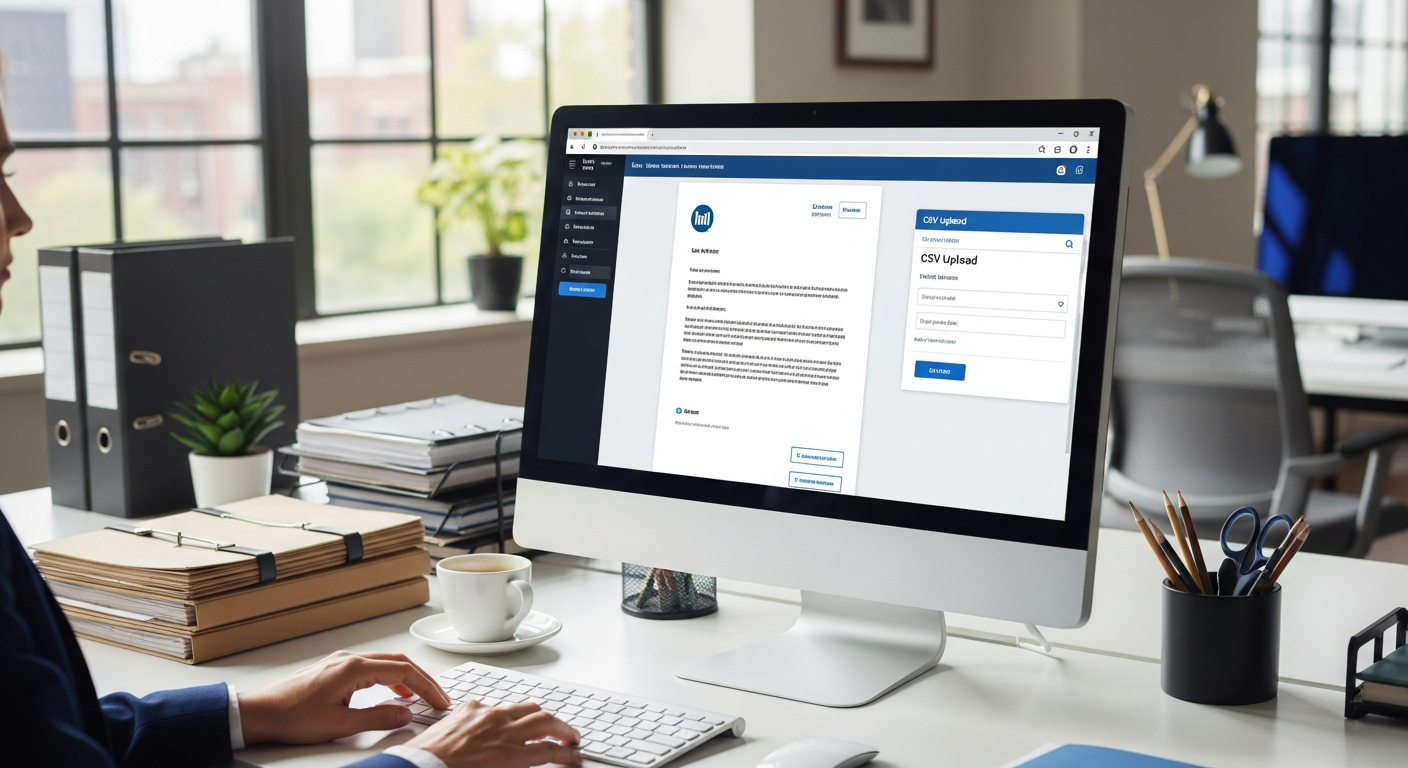
Physical mail still carries weight in legal practice that email simply cannot replicate. A mailed engagement letter feels official. A billing statement sent by USPS is harder to ignore than an inbox notification. A settlement offer in an envelope signals seriousness. The problem isn't whether to send attorney client correspondence by mail — it's how to do it efficiently when your firm handles dozens or hundreds of clients at once.
Most firms still rely on paralegals to print letters, stuff envelopes, apply postage, and drive to the post office. That workflow made sense in 1995. It doesn't make sense when a single paralegal billing at $75–$100/hour is spending 6–8 hours a week on a task that software can complete in minutes.
This guide covers how law firms can send client correspondence by mail at scale — including case updates, engagement letters, billing statements, and settlement offers — using WriteToMail's platform to eliminate manual mailing overhead entirely.
Table of Contents
- Why Physical Mail Still Matters in Legal Practice
- The Types of Attorney Client Correspondence That Should Go by Mail
- How Bulk Mailing Works for Law Firms
- Using CSV Upload and Variable Data Merge for Personalized Client Letters
- Why SOC 2 Compliance Is Non-Negotiable for Attorney-Client Mail
- How to Eliminate Paralegal Hours Spent on Print-Stuff-Stamp
- Step-by-Step: Sending Client Correspondence Through WriteToMail
- Frequently Asked Questions
- Next Steps
Why Physical Mail Still Matters in Legal Practice
Email is fast. Physical mail is credible.
According to the 2025 ABA Legal Technology Survey Report, client communication and correspondence management remains one of the most time-intensive operational burdens for small and mid-size law firms. Despite the prevalence of email, physical mail continues to serve critical functions: establishing formal notice, creating an auditable delivery record, and meeting statutory requirements that email cannot satisfy.
Several states require that specific legal communications — including certain notices of litigation, landlord-tenant correspondence, debt collection notices under FDCPA, and contract termination letters — be sent via physical mail to be legally effective. Email doesn't always create the same presumption of delivery.
Beyond compliance, there's a client experience argument. Clients in family law, estate planning, personal injury, and elder law are often not digital-first. A mailed letter from their attorney reinforces professionalism and seriousness. It doesn't get buried in spam filters.
The obstacle has never been whether to mail — it's been the operational friction of doing it at scale.
The Types of Attorney Client Correspondence That Should Go by Mail
Not every message needs to be printed and mailed. But these categories almost always benefit from physical delivery:
Engagement Letters and Retainer Agreements
An engagement letter sent by mail creates a paper record of the attorney-client relationship from day one. For firms onboarding multiple clients simultaneously — personal injury intakes, debt relief consultations, estate planning clients — bulk mailing engagement letters is significantly faster than managing individual print runs.
Case Status Updates
Clients expect to hear from their attorneys. Regular case updates sent by mail — particularly for clients who are elderly, low-income, or located in areas with unreliable internet access — ensure communication actually reaches them.
Billing Statements and Fee Demands
Mailed billing statements have a higher open and response rate than email invoices in legal services. For firms managing accounts receivable backlogs, bulk mailing billing statements via CSV upload can accelerate collections without requiring a collections attorney.
Settlement Offers and Demand Responses
Settlement correspondence carries legal weight. Physical mail creates a documented record that the offer was communicated. In multi-plaintiff cases — class actions, mass torts, FLSA collective actions — sending personalized settlement communications to dozens or hundreds of plaintiffs simultaneously is a real operational challenge that bulk mailing solves.
Cease and Desist Notices and Demand Letters
These need to be taken seriously, and nothing signals seriousness like a physical letter. You can explore WriteToMail's demand letter and cease and desist templates for these use cases specifically.
How Bulk Mailing Works for Law Firms
Traditional bulk mailing requires a USPS bulk mail permit, minimum volume thresholds, and pre-sorted mail preparation. It's not designed for law firm correspondence — it's designed for marketing campaigns.
What law firms actually need is the ability to send 50, 200, or 500 personalized letters at once — each with the correct client name, case number, matter-specific language, and proper mailing address — without any of the USPS permit infrastructure.
WriteToMail's platform handles this through USPS First-Class Mail, meaning each letter receives individual postage and delivery handling. There's no minimum volume requirement. You can send one letter or a thousand. Each letter arrives as a distinct, properly addressed piece of mail — not a bulk mailer.
For firms managing multi-plaintiff litigation or large case inventories, the practical impact is enormous. A firm handling a 300-plaintiff mass tort case can send all 300 case update letters simultaneously, each personalized to the recipient, without a single envelope being touched by a paralegal.
For a deeper look at how this scales across complex litigation, this guide on bulk mail for law firms managing multi-plaintiff cases breaks down the workflow in detail.
Using CSV Upload and Variable Data Merge for Personalized Client Letters
The single most powerful feature for law firms sending client correspondence at scale is variable data mail merge via CSV upload.
Here's how it works in practice:
Building Your CSV
Your spreadsheet contains one row per recipient. Each column becomes a variable field that can be inserted into the letter template. For attorney-client correspondence, typical columns include:
FirstName/LastNameMailingAddress,City,State,ZipCaseNumberAttorneyNameMatterDescriptionAmountDue(for billing statements)SettlementAmount(for settlement offers)ResponseDeadline
Writing the Letter Template
Your letter template uses placeholders that correspond to column headers. For example:
Dear {{FirstName}} {{LastName}},
We are writing to provide you with an update regarding your matter, Case No. {{CaseNumber}}. As of the date of this letter, {{MatterDescription}}...
When the CSV is uploaded, WriteToMail maps each column to its corresponding placeholder and generates a unique, fully personalized letter for every row in the spreadsheet. Three hundred clients get three hundred individualized letters — each with their correct name, address, case number, and case-specific details.
Why This Matters for Attorney-Client Correspondence
Form letters that don't address the client's specific matter feel impersonal and unprofessional. Variable data merge lets firms send personalized correspondence at the same speed as sending a single generic letter. There's no tradeoff between scale and quality.
For billing statements specifically, including the exact AmountDue and DueDate fields eliminates any ambiguity that leads to client calls asking for clarification. Clear, personalized bills get paid faster.
You can learn more about the mechanics of variable data bulk sending in WriteToMail's guide to sending bulk mail without going to the post office.
Why SOC 2 Compliance Is Non-Negotiable for Attorney-Client Mail
Attorney-client privilege isn't just a courtroom concept. It governs how law firms handle client data throughout their operations — including when that data passes through third-party vendors.
When a law firm uploads a CSV containing client names, addresses, case numbers, and matter details to an online platform, that platform becomes a data processor touching privileged information. A data breach or insecure handling of that information could expose both client confidences and the firm itself to liability.
WriteToMail is SOC 2 compliant, meaning its data security practices have been independently audited against the American Institute of CPAs' Trust Services Criteria. SOC 2 compliance covers:
- Security: Protection against unauthorized access
- Availability: System uptime and reliability commitments
- Confidentiality: Handling of confidential data like client matter information
- Processing integrity: Accurate, complete, and timely processing of data
For law firms evaluating any online mail platform, SOC 2 compliance is the baseline. A platform that doesn't meet this standard shouldn't handle attorney-client correspondence, full stop.
The guide to online mail services for law firms covers compliance requirements in more detail, including why SOC 2 and HIPAA certifications matter when evaluating vendors.
How to Eliminate Paralegal Hours Spent on Print-Stuff-Stamp
Let's put a number on the problem.
The typical manual mailing workflow for a paralegal looks like this:
- Open letter template in Word
- Manually edit recipient name, address, and case details
- Print letter
- Print envelope or hand-address it
- Fold letter, stuff envelope
- Apply postage
- Take to post office or outgoing mail slot
For a single letter, this takes 8–12 minutes. For 50 letters, that's 7–10 hours of paralegal time. At $80/hour loaded cost, a 50-letter mailing costs $560–$800 in labor before you've paid for paper, toner, envelopes, or postage.
With WriteToMail, the same 50 letters take 15–20 minutes total: draft or upload the template, upload the CSV, confirm the send. The platform handles printing, folding, enveloping, stamping, and USPS delivery.
For firms that send client correspondence weekly — billing cycles, case updates, settlement rounds — the savings compound fast. A firm eliminating 8 paralegal hours per week at $80/hour saves roughly $33,000 annually in mailing labor alone.
Solo practitioners see a different version of this problem: there's no paralegal, so the attorney is doing the mailing themselves. Every hour spent printing and stuffing envelopes is an hour not spent on billable work. This is why solo attorney mail outsourcing has become one of the fastest-growing use cases on platforms like WriteToMail.
Step-by-Step: Sending Client Correspondence Through WriteToMail
Here's a practical workflow for a law firm sending monthly case update letters to 75 active clients:
Step 1: Prepare your client list as a CSV. Export from your case management system or build manually. Include columns for name, mailing address, case number, attorney name, and any case-specific fields you want to personalize.
Step 2: Draft or upload your letter template. Use WriteToMail's rich text editor to write the letter directly in the platform, or upload an existing PDF. If you're starting from scratch, the AI-powered drafting tool can generate a starting draft from a brief description of the correspondence type and key points to include.
Step 3: Insert variable placeholders.
Map your CSV column headers to placeholders in the letter body. {{FirstName}}, {{CaseNumber}}, {{AttorneyName}} — each placeholder pulls from the corresponding CSV column for each recipient.
Step 4: Upload your CSV. The platform processes the file, maps the variables, and generates a preview of how individualized letters will appear.
Step 5: Review and confirm. Preview a sample of letters to verify formatting, variable mapping, and address accuracy before sending.
Step 6: Submit the mailing. WriteToMail handles printing, folding, enveloping, stamping, and USPS First-Class Mail delivery. No printer. No post office. No paralegal time.
For firms already using this workflow for demand letters, the same process applies to all outbound correspondence. The guide to sending attorney demand letters by mail walks through a similar workflow specifically for demand correspondence.
Sources
- American Bar Association — 2025 Legal Technology Survey Report — cited for data on client communication as an operational burden for law firms
- AICPA — SOC 2 Trust Services Criteria — definition and scope of SOC 2 compliance requirements
- Consumer Financial Protection Bureau — FDCPA Compliance Resources — context for physical mail requirements in debt collection communications
- Bureau of Labor Statistics — Legal Occupations: Paralegals and Legal Assistants — paralegal compensation data used for labor cost calculations
- WriteToMail — For Law Firms — platform features and compliance certifications for legal use cases
Frequently Asked Questions
Can I send attorney client correspondence by mail without a printer or stamps?
Yes. WriteToMail handles the entire physical production and delivery process. You compose or upload your letter online, and the platform prints, envelopes, stamps, and delivers via USPS First-Class Mail. No printer, no stamps, no post office visit required.
Is it safe to upload client data to an online mail platform?
WriteToMail is SOC 2 compliant, meaning its data security and handling practices have been independently audited. For law firms, this is the minimum compliance standard to look for when evaluating any third-party mail vendor that will process client information.
Can I personalize each letter even when sending hundreds at once?
Yes. CSV upload combined with variable data merge lets you send hundreds of fully individualized letters simultaneously. Each letter pulls from the corresponding row in your spreadsheet, so every client receives a letter addressed to them with their specific case details — not a generic form letter.
What types of client correspondence can I send through WriteToMail?
The platform supports any letter type — case updates, engagement letters, billing statements, settlement offers, demand letters, cease and desist notices, and more. You can use WriteToMail's built-in templates, write letters using the rich text editor, or upload existing PDFs.
Is there a minimum volume requirement for bulk mailing?
No. WriteToMail's CSV upload and bulk mailing functionality works for any volume — whether you're sending 10 letters or 10,000. Each letter is sent via USPS First-Class Mail with individual postage, not as a bulk permit mailer.
How does this compare to hiring a paralegal to handle mailing?
Manual paralegal mailing runs roughly 8–12 minutes per letter at a loaded cost of $75–$100/hour. A 50-letter mailing consumes 7–10 paralegal hours. WriteToMail completes the same mailing in 15–20 minutes of attorney or staff time. The cost difference at scale is substantial — and the time savings compound weekly.
Can I upload a PDF of an existing letter template instead of writing in the platform?
Yes. WriteToMail supports PDF upload — you can upload an existing letter document and have it printed and mailed without recreating it in the platform's editor.
Next Steps
Firms that send attorney client correspondence by mail regularly — billing cycles, case updates, multi-plaintiff notices, engagement letters — are paying a significant operational tax every time a paralegal touches an envelope. That labor cost is avoidable.
To get started:
- Visit writetomail.com/for-law-firms to see the platform features built specifically for legal correspondence.
- Review pricing options at writetomail.com/pricing to find the plan that fits your firm's mailing volume.
- If you manage a large case inventory or multi-plaintiff matters, explore how automated legal mail workflows can replace manual mailing entirely.
- Prepare a test CSV with 5–10 client records and run your first bulk mailing to see the workflow firsthand.
The operational case is straightforward. The compliance foundation is in place. The only thing left is making the switch.