

Every covered entity under HIPAA must give patients a Notice of Privacy Practices (NPP). That's not optional — it's a federal requirement under the HIPAA Privacy Rule, 45 CFR §164.520. What surprises many practice managers is that physical mail remains one of the most common — and sometimes legally required — delivery methods, particularly when patients can't receive the notice in person or when a revised NPP needs to go out to your entire patient panel.
This guide walks you through how to send HIPAA Notice of Privacy Practices by mail, step by step. You'll learn when mailing is required, how to prepare your patient list, how to use a HIPAA-compliant print-and-mail platform like WriteToMail to send notices at scale via CSV upload, and what compliance safeguards your vendor must have before you hand them protected health information.
By the end, your team will have a repeatable process for NPP distribution that holds up to an OCR audit.
Prerequisites
Before you start, make sure you have:
- A finalized, HHS-compliant Notice of Privacy Practices document (PDF or plain text)
- A patient mailing list with verified addresses
- A Business Associate Agreement (BAA) signed with your mail vendor
- Clarity on which patients need to receive the notice (new patients, all patients after a material NPP revision, etc.)
Step 1: Confirm When Physical Mailing Is Required
Not every NPP distribution requires physical mail. But several scenarios make it necessary — or strongly advisable.
Electronic delivery isn't always available. According to HHS guidance on the HIPAA Privacy Rule, covered entities that operate entirely online may distribute their NPP electronically — but they must still mail a paper copy to any individual who requests one.
Material revisions must reach all patients on your list. If you materially change your privacy practices, the revised NPP must be sent to every patient for whom you maintain a direct treatment relationship. Posting it on your website is required, but mailing is the standard practice for brick-and-mortar providers to demonstrate actual delivery.
Patients without email on file. Realistically, many patient populations — especially elderly patients — don't have email addresses in your EHR. Physical mail is the only reliable channel.
Audit documentation. Physical mail creates a paper trail. If the Office for Civil Rights (OCR) investigates a complaint, you want evidence that notices went out. A HIPAA-compliant mail platform provides delivery records you can produce on demand.
Expected outcome: You've identified which patients need a mailed NPP and why. This scopes your project before you touch any data.
Step 2: Prepare Your NPP Document
Your NPP must meet specific content requirements under 45 CFR §164.520(b). The document must include:
- How you may use and disclose PHI
- Patient rights (access, amendment, accounting of disclosures, restrictions)
- Your legal duties regarding PHI
- Contact information for complaints
- Effective date
The HHS Model Notices of Privacy Practices are the fastest starting point. HHS publishes model NPPs for covered health care providers and health plans that are designed to satisfy regulatory requirements out of the box.
Once your NPP is finalized, save it as a PDF. This is what you'll upload to your mail platform. Keep it clean — no tracked changes, no draft watermarks.
Expected outcome: A compliant, finalized NPP document in PDF format, ready to mail.
Step 3: Build and Clean Your Patient Mailing List
Your mailing list is the most compliance-sensitive part of this process. It contains protected health information — specifically, the combination of patient name, mailing address, and the fact that they are your patient.
Export your patient list from your EHR or practice management system. At minimum, each row in your spreadsheet needs:
- First Name
- Last Name
- Street Address
- City
- State
- ZIP Code
Clean the file before uploading it anywhere. Specifically:
- Remove patients who have opted out of mail communications
- Verify no test accounts or staff entries are in the export
- Check for duplicate rows (same patient, multiple entries)
- Confirm address fields are complete — partial addresses will result in returned mail
Save the file as a .csv. Most EHRs can export to CSV directly. If your system exports to Excel, convert the file before uploading.
A note on minimum necessary standard. Under HIPAA's minimum necessary rule, you should only include PHI fields that are actually needed for mailing. Name and address are necessary. Diagnosis codes, account balances, and insurance details are not — leave those columns out of your NPP mailing CSV entirely.
Expected outcome: A clean, minimum-necessary CSV file with patient name and address fields only — ready for bulk upload.
Step 4: Select a HIPAA-Compliant Mail Vendor
This is the step most practices rush — and where compliance risk is highest.
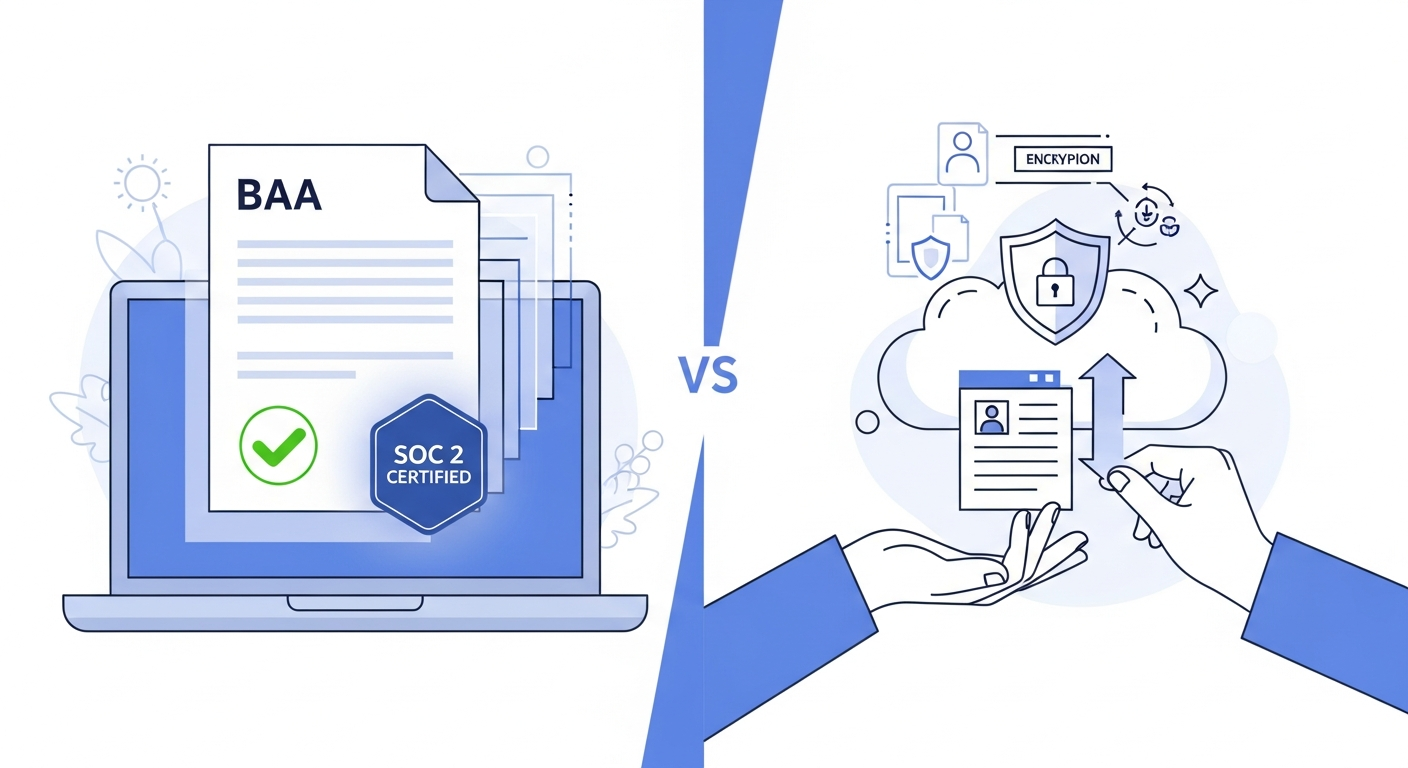
When you hand a mail vendor your patient list, that vendor becomes a business associate under HIPAA. That creates two non-negotiable requirements:
- A signed Business Associate Agreement (BAA). Without a BAA, transmitting PHI to that vendor is a potential HIPAA violation — regardless of how the vendor's platform is configured.
- Technical safeguards that protect PHI during transmission and processing. Encryption in transit, access controls, and audit trails are the minimum.
Beyond the BAA, look for vendors with SOC 2 certification. SOC 2 audits, conducted by independent third parties, verify that a vendor's systems meet rigorous standards for security, availability, and confidentiality. A vendor that can produce a SOC 2 report has had their controls independently verified — not just self-attested.
WriteToMail is a HIPAA-compliant physical mail service with SOC 2 certified printing and data handling. The platform handles printing, postage, and USPS delivery entirely online, supports bulk CSV upload with variable data fields, and accepts PDF uploads — so you can mail your finalized NPP document directly without recreating it in a new editor. For a deeper look at what HIPAA compliance actually requires from a mail vendor, the guide on HIPAA compliant physical mail for healthcare organizations breaks this down in detail.
What to verify with any vendor before uploading patient data:
- Do they sign a BAA?
- Are they SOC 2 certified?
- Is data encrypted in transit and at rest?
- Do they maintain audit logs of mailings?
- How long is PHI retained on their systems after mailing is complete?
Expected outcome: A signed BAA with your mail vendor and written confirmation of their security certifications. Document this in your compliance records.
Step 5: Upload Your PDF and CSV to Send at Scale
With a compliant vendor selected and your BAA in place, the actual sending process is straightforward.
Using WriteToMail, the workflow looks like this:
- Upload your NPP PDF. Navigate to the PDF upload feature. Upload the finalized Notice of Privacy Practices document you prepared in Step 2.
- Upload your patient CSV. Use the bulk mailing via CSV upload feature. Map the CSV columns (First Name, Last Name, Street Address, City, State, ZIP) to the corresponding address fields in the platform.
- Review a proof. Before submitting, preview how the letter will look — confirm the return address is correct, the document prints cleanly, and no formatting issues occurred during the PDF conversion.
- Submit and confirm. Once submitted, the platform handles printing, envelope insertion, postage, and USPS First-Class Mail delivery. You receive confirmation of the send.
For practices sending to large patient panels — hundreds or thousands of patients after a material NPP revision — this guide to HIPAA compliant bulk mail for healthcare covers the CSV preparation and variable data workflow in more detail, including how to handle personalized fields across large datasets.
Expected outcome: All targeted patients have a mailed NPP dispatched via USPS First-Class Mail. Your platform account contains a record of the bulk send — date, recipient count, and delivery confirmation data.
Step 6: Document the Mailing for Compliance Records
Sending the notices is only half the task. HIPAA compliance requires that you document your distribution efforts in a way you can produce if audited.
At minimum, your compliance documentation should include:
- Date of the mailing — when the bulk send was submitted
- Number of recipients — total patients mailed
- Version of the NPP sent — document the effective date of the NPP version
- Reason for the mailing — new patients, material revision, patient request, etc.
- Vendor confirmation — export or screenshot the send confirmation from your mail platform
- BAA reference — note which signed BAA covered this mailing
Store this documentation in your HIPAA compliance binder or your organization's designated compliance management system. OCR audits can request records going back six years — HIPAA's standard retention period for policy and procedure documentation under 45 CFR §164.530(j).
Expected outcome: A complete compliance record for the NPP mailing that you can produce in 24 hours if requested by OCR or a patient.
Common Mistakes to Avoid
Sending without a signed BAA. This is the most common and most serious error. Never upload a patient list to any external platform — mail vendor, print shop, or otherwise — without a BAA in place first. This applies even if the vendor claims their platform is "HIPAA-friendly."
Including excess PHI in the CSV. For NPP mailings, you only need name and address. Exporting a full patient record with diagnosis codes or insurance information and then uploading that to a mail platform violates the minimum necessary standard.
Using a consumer print service. FedEx Office, Staples, and standard consumer print-and-mail platforms are not HIPAA-compliant vendors. They won't sign a BAA, and uploading patient names and addresses to their systems creates real compliance exposure. The risks of using non-compliant vendors are covered thoroughly in this overview of what makes a mail service HIPAA compliant.
Mailing the wrong NPP version. If your NPP was recently revised, double-check you're mailing the current version — not a cached or older PDF. The effective date on the document should match your current policy.
No proof of delivery documentation. Mailing notices without retaining any record of the send leaves you unable to demonstrate compliance. Use a platform that provides send confirmations.
Forgetting patients added after the revision. If you're sending a revised NPP to your existing panel, new patients added in the days following the bulk send still need to receive the notice — typically at the next point of service or via a follow-up mailing.
Next Steps
Once your initial NPP mailing is complete, build this into a standing workflow rather than a one-time project:
- Set a review calendar. Schedule an annual NPP review to determine whether any practice changes require a material revision — and a corresponding new mailing.
- Integrate new patient onboarding. Ensure every new patient receives the NPP at or before their first service encounter. For patients seen via telehealth or remote services, a mailed NPP may be the first touchpoint.
- Extend the workflow to other required notices. The same CSV-upload bulk mailing process works for HIPAA breach notifications, appointment reminders, billing statements, and other patient correspondence. If your practice has dealt with a data incident, the guide on how to send HIPAA breach notification letters online walks through the 60-day notification requirement and bulk mailing workflow in detail.
- Evaluate your full outbound mail stack. Many practices are still printing, stuffing, and stamping notices in-house. That process doesn't scale and creates unnecessary PHI handling risk. A dedicated print and mail service online eliminates the in-office handling entirely.
Sending HIPAA Notice of Privacy Practices by mail doesn't have to be a logistical burden. With the right vendor, a clean CSV, and a documented process, a practice of any size can distribute notices to thousands of patients without touching a printer or visiting a post office — and without creating compliance gaps.
Sources
- HHS — Notice of Privacy Practices for Protected Health Information (45 CFR §164.520) — Federal requirement for NPP distribution by covered entities
- HHS — Model Notices of Privacy Practices — HHS-published model NPP templates for covered health care providers and health plans
- eCFR — 45 CFR §164.520: Notice of Privacy Practices for Protected Health Information — Full regulatory text covering NPP content requirements
- eCFR — 45 CFR §164.530(j): Documentation Retention Requirements — Six-year retention requirement for HIPAA policies and procedures
- HHS — HIPAA Privacy Rule: Minimum Necessary Standard — Guidance on limiting PHI disclosure to what is minimally required for the purpose
- HHS — Business Associate Contracts — Requirements for BAAs with vendors who handle PHI on behalf of covered entities
- HHS — OCR Audit Protocol — OCR audit requirements and documentation standards for covered entities