
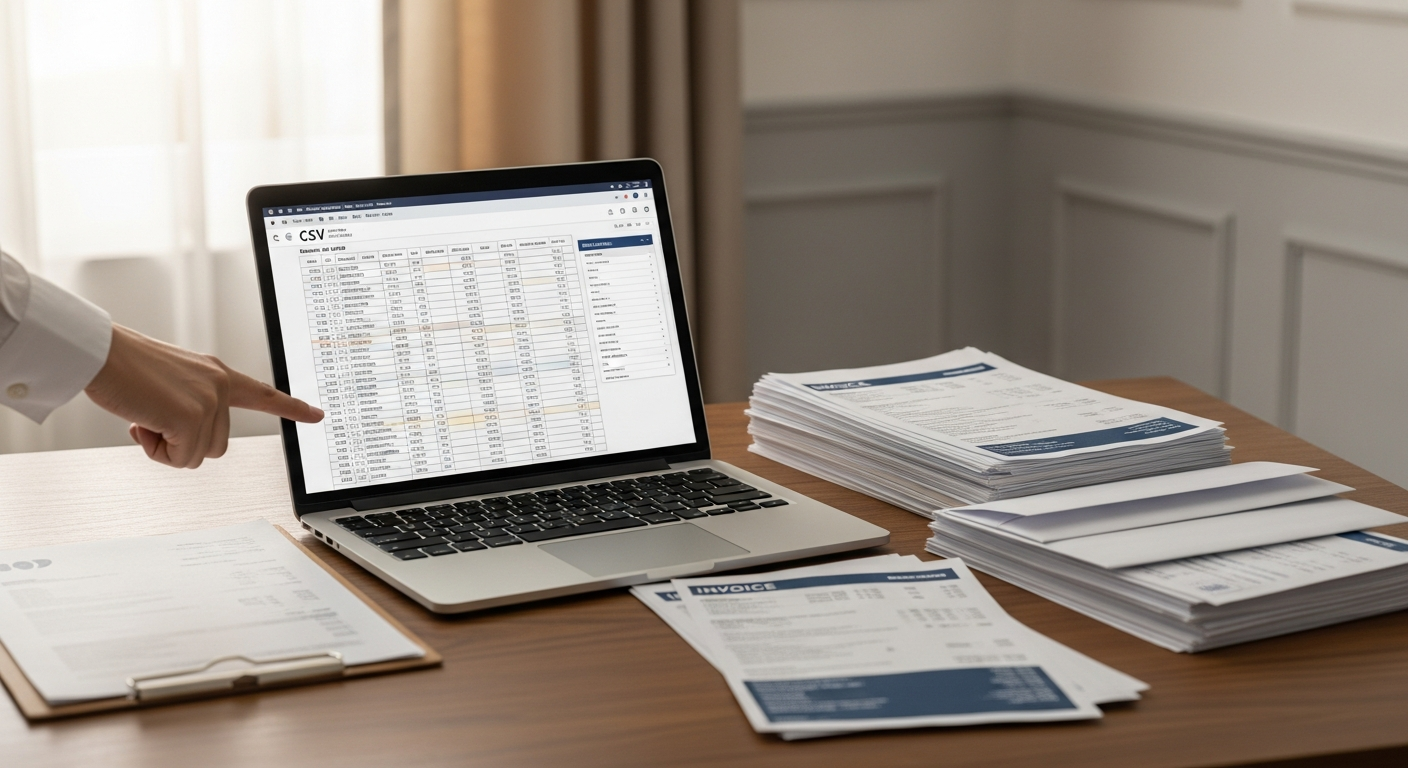
Physical invoices still get paid faster than digital ones. If you're managing accounts receivable for hundreds or thousands of customers, that's not a trivia fact — it's an operational advantage worth capturing.
This guide covers how businesses with large customer bases can use a bulk invoice mailing service to automate physical invoice delivery, reduce days sales outstanding (DSO), and collect more money without hiring additional staff.
Table of Contents
- Why Physical Invoices Still Outperform Email
- When to Switch to a Bulk Invoice Mailing Workflow
- How to Format Your CSV for Invoice Mail Merge
- The Bulk Invoice Mailing Workflow, Step by Step
- Integration and Automation Options
- Payment Collection Rates: Physical vs. Digital
- Choosing the Right Bulk Invoice Mailing Service
- FAQ
- Next Steps
Why Physical Invoices Still Outperform Email
Email inboxes are hostile territory for invoices. Between spam filters, promotional folder sorting, and sheer inbox volume, a digital invoice can go unread for weeks — or permanently. A physical letter lands on a desk, a kitchen counter, or in a filing tray. It requires a deliberate action to dismiss.
The psychology behind this is well-documented. According to research from the USPS Office of Inspector General, physical mail engages parts of the brain associated with long-term memory encoding more effectively than digital formats. Physical mail also triggers a higher sense of obligation — recipients feel more accountable to respond to a letter than an email.
For accounts receivable teams, "higher sense of obligation" translates directly into faster payment cycles.
There's also the compliance angle. A mailed invoice sent via USPS First-Class Mail creates a documented, timestamped record of delivery attempt. That paper trail matters if a dispute escalates or if you need to demonstrate due diligence before sending the account to collections.
When to Switch to a Bulk Invoice Mailing Workflow
Not every invoice needs to go by mail. But physical mail earns its place in a few specific situations.
Your email open rates are below 30%. If fewer than one in three invoice emails are being opened, physical mail isn't a fallback — it's the better channel. Email inboxes are noisy; a physical letter is not.
You're serving an older customer demographic. Customers over 55 pay bills by mail at significantly higher rates than younger segments. Forcing them into a digital workflow increases friction and late payments.
Invoices are past due and email has failed. Once an account reaches 30+ days overdue with no email response, a physical escalation letter changes the dynamic. The guide on how to send past due notices by mail covers this escalation strategy in detail, including 30/60/90-day cadence recommendations.
You're billing in regulated industries. Healthcare billing, legal retainers, and certain financial services often require or strongly benefit from physical documentation. A printed invoice mailed via USPS carries more legal weight than a PDF emailed through QuickBooks.
Your customer base is large enough to justify automation. Sending 20 invoices by hand is annoying. Sending 2,000 is impossible. That's exactly when a bulk invoice mailing service stops being a nice-to-have and becomes a core operational tool.
How to Format Your CSV for Invoice Mail Merge
The CSV file is the foundation of any bulk invoice mailing campaign. Get the formatting right, and the entire workflow becomes fast and repeatable. Get it wrong, and you'll be debugging merge errors instead of collecting payments.
Required Columns
At minimum, your CSV needs the following columns for invoice mail merge:
| Column Name | Description | Example |
|---|---|---|
first_name |
Recipient first name | Sarah |
last_name |
Recipient last name | Johnson |
address_line1 |
Street address | 142 Maple Street |
address_line2 |
Apt/Suite (optional) | Suite 400 |
city |
City | Austin |
state |
Two-letter state code | TX |
zip |
Five-digit ZIP code | 78701 |
amount_due |
Amount owed | $1,247.00 |
due_date |
Payment due date | July 15, 2026 |
invoice_number |
Your internal invoice ID | INV-009342 |
Optional but Recommended Columns
Adding an account_number, service_description, and late_fee column gives you more flexibility in your letter template. If you're running a 30/60/90-day notice cadence, a days_past_due column lets you branch your messaging without creating separate CSV files.
Formatting Rules That Matter
- State codes must be two-letter USPS abbreviations. "Texas" will cause address validation errors. "TX" won't.
- ZIP codes must stay as text, not numbers. Spreadsheet software will strip leading zeros from ZIP codes like "07030" if the column is formatted as a number. Format ZIP columns as text before exporting.
- Currency should be consistent. Decide whether you're including dollar signs in the CSV or formatting them in the template. Doing both produces "$$1,247.00" in the output.
- No special characters in name fields. Apostrophes, accented characters, and line breaks in name fields cause merge errors on some platforms.
For a deeper technical walkthrough on column mapping and variable field setup, the guide on variable data mail merge for bulk letters covers every supported field type with real examples.
A Note on Data Hygiene
Bad addresses are expensive. A letter that returns undeliverable wastes the postage cost and delays collection. Run your address list through a USPS address validation tool before uploading. Most bulk mail platforms do this automatically, but starting with clean data prevents cascading errors.
The Bulk Invoice Mailing Workflow, Step by Step
The end-to-end process for sending bulk invoices by mail — from spreadsheet to USPS delivery — looks like this:
Step 1: Export Your Invoice Data
Pull your open invoices from your billing software (QuickBooks, FreshBooks, Xero, or whatever you're using) and export them as a CSV. Map the export columns to the field names your mailing platform expects, or rename them after export.
Step 2: Build Your Invoice Letter Template
Write the letter once. Use placeholder variables — {{first_name}}, {{amount_due}}, {{due_date}} — wherever personalized data will be inserted. WriteToMail's rich text editor supports variable field placeholders that map directly to your CSV columns, so you design the letter once and it populates for every recipient automatically.
Keep the letter concise. State the invoice number, the amount due, the due date, and clear payment instructions. A single page is enough. Anything longer gets skimmed.
Step 3: Upload the CSV and Map Fields
Upload your CSV to the platform. Map your CSV column headers to the template's variable fields. Preview several individual letters — especially the largest accounts and any edge cases with long names or unusual addresses — before submitting the full batch.
Step 4: Review and Submit
Most platforms show a batch summary: total recipients, estimated cost, estimated delivery window. Review it, confirm your billing, and submit. The platform handles printing, envelope insertion, postage, and USPS handoff.
Step 5: Track and Follow Up
After the estimated delivery window passes, flag any accounts that still haven't responded. That's your trigger for a second notice or escalation. Having the original invoice mailing on record gives you documentation to point to.
Integration and Automation Options
For teams sending invoices on a recurring monthly cycle, manual CSV exports and uploads get tedious fast. The smarter play is to build a lightweight automation layer.
A few approaches:
Zapier or Make.com workflows. Connect your billing software to a mailing platform via Zap or scenario. When an invoice reaches a certain age (say, 35 days past due with no payment), trigger an automated CSV export and bulk mail job. This requires no engineering resources — just configuration.
Scheduled CSV exports. Even without API integration, many AR teams run a weekly "past due over 30 days" export from their accounting software, clean it in a few minutes, and upload it as a batch. Not fully automated, but far faster than printing and mailing manually.
API integration. If you're running a high-volume operation, direct API integration between your billing system and a print-and-mail platform is worth the engineering investment. Invoices get queued for mailing automatically based on rules you define.
The guide on how to send bulk mail online covers how USPS First-Class Mail bulk workflows function through an online platform — useful background if you're evaluating whether API integration is worth pursuing for your volume.
Payment Collection Rates: Physical vs. Digital
The numbers on physical mail and payment collection are harder to find in one place than they should be. Here's what the research actually shows.
According to the Data & Marketing Association's Response Rate Report, direct mail achieves a household response rate of 4.4%, compared to 0.12% for email. That's not apples-to-apples for invoices specifically, but it illustrates the underlying engagement gap between the two channels.
A 2019 study published in the Journal of Marketing found that physical mail produced stronger brand recall and response rates than digital alternatives, attributing the gap to higher cognitive engagement triggered by tangible materials.
For accounts receivable specifically: AR teams that add physical mail to their collections workflow consistently report reductions in DSO. A paper trail, perceived formality, and the simple fact that a letter can't be accidentally filtered to spam all contribute to faster resolution.
The response rate advantage of physical mail compounds when email has already failed. At 30+ days past due with no email response, a physical invoice or demand letter isn't just an alternative channel — it's often the only thing that moves the account.
Healthcare and utility billing provide some of the clearest data. Patients and customers in these sectors consistently pay paper bills at higher rates than electronic ones, which is why most large healthcare billing departments still mail statements by default despite the availability of patient portals.
Choosing the Right Bulk Invoice Mailing Service
Not every platform is built for invoice-scale volume. Here's what to look for.
CSV upload and variable data merge. This is non-negotiable. If the platform can't map CSV columns to letter variables, you're stuck building individual letters manually. WriteToMail's bulk mailing via CSV upload supports variable fields including customer name, amount due, due date, account number, and custom text — everything you need for invoice personalization.
USPS First-Class Mail delivery. First-Class is faster and more reliable than Marketing Mail. For invoices, you want the 3-5 business day delivery window, not the 10-16 day window that Marketing Mail allows.
SOC 2 compliance. Customer financial data — names, account numbers, balances — is sensitive. Your print-and-mail vendor needs to handle it securely. WriteToMail is SOC 2 compliant, which matters for enterprise procurement requirements and general due diligence.
HIPAA compliance for healthcare billing. If you're mailing patient invoices, HIPAA compliance at the mailing vendor level is a hard requirement. Patient billing information is protected health information (PHI) under HIPAA, and a non-compliant vendor creates liability exposure.
No minimum volume requirements. Some traditional print houses require minimum runs of 500 or 1,000 pieces. For smaller batches or irregular billing cycles, that's a poor fit. A platform that handles single sends and large batches equally well gives you flexibility.
PDF upload support. If you already have a designed invoice template in PDF format, you shouldn't have to rebuild it in the platform's editor. WriteToMail's PDF upload feature lets you mail an existing PDF document directly, which is useful if your invoice design lives in a system you don't want to replicate.
The comparison guide on the best bulk mail services online evaluates WriteToMail alongside Lob, PostGrid, Postalytics, and others across exactly these criteria.
Sources
- USPS Office of Inspector General — Enhancing the Value of Mail: The Human Response — research on physical mail's effect on memory encoding and consumer engagement compared to digital formats
- Data & Marketing Association — Response Rate Report — direct mail vs. email response rate statistics (4.4% vs. 0.12%)
- Journal of Marketing — "How Physical vs. Digital Stimuli Affect Customer Engagement" — 2019 study on physical mail's higher cognitive engagement and response rates compared to digital
FAQ
What is a bulk invoice mailing service? A bulk invoice mailing service is an online platform that allows businesses to send personalized physical invoices to large numbers of customers simultaneously, using CSV upload and variable data mail merge to customize each letter with the recipient's name, invoice amount, due date, and other details — without manual printing or envelope stuffing.
How many invoices can I send at once? Most online platforms, including WriteToMail, support batch sizes ranging from a handful of recipients to thousands simultaneously. The practical limit is usually your CSV file size and data quality, not the platform itself.
Is physical invoice mailing more expensive than email? Per-message, yes. Per dollar collected, often no. Physical invoices collect at higher rates, reduce DSO, and eliminate the cost of chasing digitally unresponsive accounts through expensive collections processes. For past-due accounts especially, the cost of a mailed letter is small relative to the amount at stake.
Do I need a printer or stamps? No. A platform like WriteToMail handles printing, envelope insertion, postage, and USPS delivery entirely. You upload your CSV and letter template online, and physical letters go out without any hardware on your end.
What happens if an address is undeliverable? USPS will return undeliverable pieces with a reason code (address not found, moved with no forwarding, etc.). This is actually useful data — it flags customers whose contact information needs updating in your system before you continue attempting collection.
Can I mail invoices to customers in all 50 states from one upload? Yes. A single CSV can include recipients across all 50 states. USPS First-Class Mail delivers nationally, and the platform handles postage calculation per piece regardless of destination.
Is my customer data secure? With WriteToMail, yes. The platform is SOC 2 compliant, meaning data handling practices have been independently audited. For healthcare billing specifically, WriteToMail is also HIPAA compliant.
What's the difference between a bulk invoice mailing service and a direct mail marketing platform? Direct mail marketing platforms are optimized for promotional campaigns — postcards, catalogs, loyalty offers. Bulk invoice mailing services are optimized for transactional correspondence: invoices, past-due notices, demand letters. The key differences are in variable data complexity, compliance requirements, and the letter format vs. postcard format distinction.
Next Steps
If you're managing AR for a business with 100+ customers and email collection rates are falling short, physical mail is worth testing seriously — not as a last resort, but as a planned part of your billing workflow.
Start by exporting your 30-day past-due accounts from your billing software and formatting them as a CSV using the column structure above. Build one invoice letter template with variable placeholders. Run a batch of 50-100 letters and track payment rates over the next 30 days against your email-only baseline.
The data will tell you whether to scale it up.
WriteToMail supports bulk invoice mailing via CSV upload with variable data merge, USPS First-Class Mail delivery, SOC 2 compliance, and no minimum volume requirements. You can upload a PDF invoice or build a letter in the editor — whichever fits your existing workflow.
If you're new to bulk mail workflows, the walkthrough on bulk letter mailing via CSV upload is a good starting point. For AR teams specifically dealing with escalating past-due accounts, the automated accounts receivable mailing guide covers how to structure a full notice cadence that includes both email and physical mail touchpoints.