

A data breach at your organization is stressful enough. The last thing you need is to mishandle the notification process and add a regulatory violation on top of it. If you need to send HIPAA breach notification letters to affected patients, you're working against a hard 60-day deadline — and the letter has to meet specific HHS content requirements.
This guide walks through every step: what the notification must say, how to prepare your recipient data, and how to use WriteToMail's HIPAA-compliant infrastructure to send physical breach notification letters online — including bulk mailings via CSV upload — without touching a printer or visiting the post office.
What You'll Need Before Starting
Before you send a single letter, confirm you have the following ready:
- A confirmed breach determination — you've completed a risk assessment and determined the incident qualifies as a reportable breach under the HIPAA Breach Notification Rule
- A list of affected individuals — full names and last known mailing addresses
- A completed breach notification letter — written to meet HHS content requirements (covered in Step 2)
- Your organization's letterhead or logo — breach notifications should be on official correspondence
- A Business Associate Agreement (BAA) in place with WriteToMail before uploading any PHI
If you're sending to more than a handful of patients, you'll want your recipient list in CSV format. That's covered in Step 4.
Step 1: Confirm You're Within the 60-Day Notification Window
Know your deadline — it's non-negotiable
Under 45 CFR § 164.404, covered entities must notify affected individuals no later than 60 calendar days after discovering the breach. This is not 60 business days. It's 60 calendar days from the date you discovered it — not from the date it occurred.
Missing this deadline is itself a HIPAA violation and can trigger civil money penalties. The HHS Office for Civil Rights has levied fines in cases where notification was delayed, even when the underlying breach was relatively minor.
Expected outcome: You have confirmed the breach date, calculated your 60-day window, and identified your send deadline. If you're within 10 days of that deadline, treat this as urgent.
Step 2: Draft Your Breach Notification Letter
HHS specifies exactly what this letter must contain
The HIPAA Breach Notification Rule doesn't leave the letter content up to you. According to 45 CFR § 164.404(c), every breach notification letter sent to affected individuals must include:
- A brief description of the breach — what happened and when it was discovered
- A description of the types of PHI involved — names, SSNs, dates of birth, diagnosis codes, financial information, etc.
- Steps individuals should take — to protect themselves from potential harm (e.g., credit monitoring, fraud alerts)
- A description of what you are doing — to investigate, mitigate harm, and prevent future breaches
- Contact information — a toll-free phone number, email address, website, or mailing address for questions
The letter must be written in plain language. HHS enforcement actions have flagged overly technical or legalistic notification letters as non-compliant.
One practical note: include a specific contact name or department (e.g., "Privacy Officer" or "Patient Relations") rather than a generic phone number. Patients who receive breach notifications are often anxious — a specific point of contact helps and reduces inbound confusion.
Expected outcome: You have a complete, HHS-compliant breach notification letter in hand. If you're mailing to multiple patients with different PHI types involved, you may need to personalize certain fields (more on that in Step 4).
Step 3: Establish a BAA with WriteToMail
This step must happen before uploading any patient data
Before you upload a CSV containing patient names and addresses — which constitutes PHI — you need a signed Business Associate Agreement with WriteToMail. Under HIPAA, any vendor who handles PHI on your behalf is a business associate, and a BAA is legally required.
WriteToMail operates a HIPAA-compliant physical mail service. The platform's SOC 2 compliant infrastructure means the underlying data handling controls have been independently audited — something worth verifying with any vendor you consider for PHI-containing mailings. (For a deeper look at what those certifications mean for physical mail specifically, see this breakdown of HIPAA-compliant physical mail for healthcare organizations.)
Reach out to WriteToMail to execute the BAA before proceeding. Keep a copy of the signed agreement in your compliance records.
Expected outcome: BAA is signed and on file. You're cleared to upload PHI through the platform.
Step 4: Prepare Your Recipient CSV for Bulk Mailing
For breach notifications affecting more than a few patients, CSV upload is the right approach
WriteToMail supports bulk mailing via CSV upload, where each row represents one recipient. For breach notifications, your CSV should include at minimum:
| Column | Example |
|---|---|
| FirstName | Sarah |
| LastName | Martinez |
| Address1 | 4821 Birchwood Ave |
| Address2 | Apt 3B |
| City | Portland |
| State | OR |
| ZIP | 97201 |
If your notification letter needs to reference patient-specific PHI — such as the specific record types affected for each individual — you can add additional columns and map them to variable placeholders in your letter template. WriteToMail's variable data mail merge allows CSV columns to populate letter placeholders (e.g., {{PHITypes}}, {{PatientID}}), so each patient receives a personalized letter without you drafting hundreds individually.
For a detailed walkthrough of CSV setup and variable field mapping in healthcare bulk mailings, the guide on HIPAA-compliant bulk mail for healthcare patient notices covers this in depth.
Address verification note: HIPAA breach notification requires mailing to the individual's "last known address." If your records have outdated addresses, USPS will return undeliverable mail. HHS has specific substitute notice provisions for cases where fewer than 10 individuals have insufficient address information versus larger numbers — review those requirements and document your process.
Expected outcome: A clean, properly formatted CSV file with all affected patient addresses and any personalization fields your letter requires.
Step 5: Upload Your Letter and Send via WriteToMail
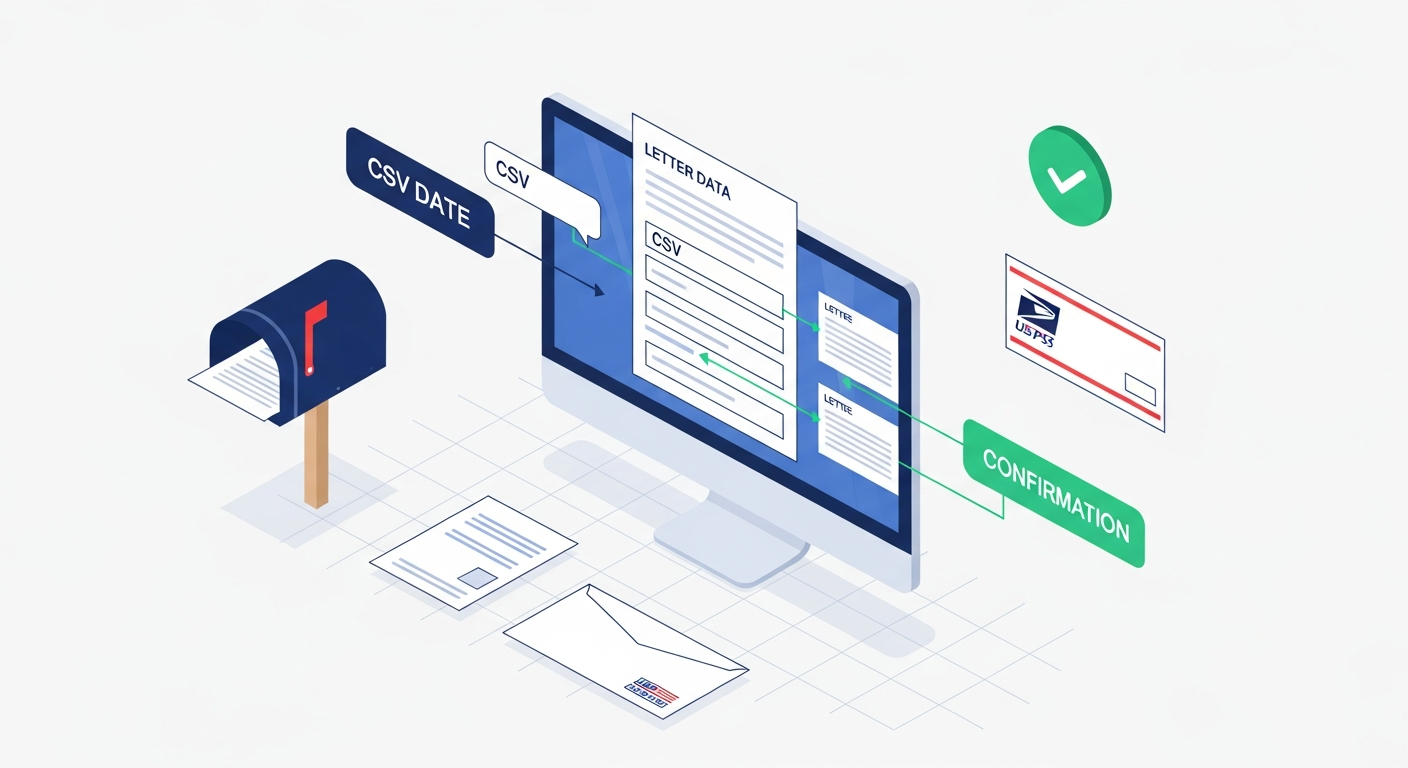
Compose or upload your letter, map your CSV, and mail — entirely online
Here's the end-to-end workflow on WriteToMail:
- Log in to your WriteToMail account at writetomail.com
- Start a new mailing — choose the letter format
- Create your letter — use the rich text editor to compose your breach notification, or upload an existing PDF of your prepared letter using the PDF upload and mail feature
- Add variable placeholders if your letter includes patient-specific fields (e.g.,
{{FirstName}},{{PHITypes}}) - Upload your CSV — the platform maps your column headers to the corresponding placeholders
- Preview a sample — verify the letter renders correctly with real data from your CSV before sending
- Confirm and submit — WriteToMail handles printing, enveloping, postage, and USPS First-Class Mail delivery
Every letter goes out via USPS First-Class Mail. No printer. No stamps. No trip to the post office.
For organizations sending breach notifications to hundreds or thousands of patients, this process replaces what would otherwise require a print vendor, a mail house, internal staff time, and separate compliance vetting — all while keeping PHI within WriteToMail's HIPAA-compliant infrastructure.
Expected outcome: All breach notification letters are queued for printing and mailing. You have a record of submission for your breach response documentation.
Step 6: Document Everything
Your compliance record is as important as the notification itself
HHS requires covered entities to maintain documentation of breach notifications for six years under 45 CFR § 164.414. Your documentation should include:
- Date of breach discovery
- Date notifications were sent
- Copy of the notification letter
- Recipient list (the CSV you uploaded)
- Evidence of the BAA with WriteToMail
- Any substitute notice actions taken for undeliverable addresses
Keep this documentation in your breach response file alongside your risk assessment, HHS reporting confirmation, and any media notice (required when a breach affects 500 or more residents of a state or jurisdiction).
Expected outcome: A complete, documented breach response record that demonstrates good-faith compliance and protects your organization in the event of an HHS audit.
Common Mistakes to Avoid
Starting the clock wrong. The 60-day window begins at discovery, not when you finish the internal investigation. Some organizations delay notifying patients while forensics teams assess the full scope of the breach. That's understandable operationally, but the clock doesn't pause. Build notification drafting into your incident response plan so you're not sprinting at day 55.
Generic or vague PHI descriptions. Writing "your health information may have been compromised" doesn't meet the HIPAA requirement to describe the types of PHI involved. Be specific: "your name, date of birth, health insurance ID number, and diagnosis information."
Uploading PHI to a non-compliant vendor. Using a standard mail service or bulk mailer that hasn't executed a BAA with you exposes your organization to a separate HIPAA violation. This is separate from the breach itself — it's a PHI disclosure to an unauthorized entity. Always verify compliance certifications and execute a BAA before sharing any patient data.
Forgetting the substitute notice requirements. If addresses are outdated, you can't just skip those patients. HIPAA has specific rules for substitute notice — including website posting or media notice for larger numbers of undeliverable addresses. Document every instance.
Sending via email only. HIPAA requires written notification. While electronic notice may supplement the process, physical mail to the individual's last known address is the standard. For a broader look at why physical mail remains the legally safer channel for sensitive healthcare correspondence, see this guide on HIPAA-compliant letter mailing for healthcare providers.
What Happens After You Send
Mailing the letters is not the end of the process. Three parallel obligations run alongside individual patient notification:
Notify HHS. If the breach affects 500 or more individuals, you must notify HHS simultaneously with individual notices. For breaches affecting fewer than 500 individuals, you report to HHS annually. Use the HHS Breach Reporting Portal.
Notify prominent media outlets (if applicable). Breaches affecting 500 or more residents of a state or jurisdiction require notification to major media outlets in that area.
Monitor for patient inquiries. Your notification letter included a contact number or address. Assign staff to handle inbound patient questions promptly — patients who receive these letters are often alarmed, and delays in responding can compound reputational damage.
Next Steps and Related Resources
If breach notification is part of a broader patient communication compliance review, these resources are relevant to adjacent workflows:
- How to handle HIPAA-compliant patient letter mailing at scale — including billing notices, appointment reminders, and test result letters
- Understanding what SOC 2 compliance means for physical mail services — useful when evaluating any vendor who handles PHI in the print-and-mail workflow
- The full guide to sending physical mail online — a reference for organizations setting up ongoing mail workflows without internal print infrastructure
Breach notifications are high-stakes, time-sensitive, and heavily documented. Using a HIPAA-compliant platform like WriteToMail to handle the physical mailing removes one major risk factor: PHI exposure during the print-and-mail process. The platform takes care of printing, postage, and USPS delivery — your team focuses on the response itself.
Start your breach notification mailing at WriteToMail →
Sources
- HHS — HIPAA Breach Notification Rule Overview — regulatory basis for the 60-day individual notification requirement
- 45 CFR § 164.404 — Notification to Individuals — statutory content requirements for breach notification letters and the 60-day deadline
- HHS OCR — Breach Notification Rule: Laws and Regulations — full regulatory text covering substitute notice provisions and documentation requirements under 45 CFR § 164.414
- HHS OCR — Enforcement Examples and Resolution Agreements — documented enforcement actions including cases involving delayed breach notification
- HHS OCR Breach Reporting Portal — official portal for submitting breach notifications to HHS for incidents affecting 500+ individuals or annual reporting for smaller breaches